Master Hand Lettering with Procreate Brushes
Digital hand lettering has evolved from a niche hobby into a vital skill for modern creatives, marketers, and entrepreneurs. Whether you are designing social media graphics, creating custom logos, or simply journaling for mindfulness, the right tools make all the difference. The Basic Procreate Brush for Hand Lettering offers a streamlined, intuitive approach to digital calligraphy, bridging the gap between traditional ink flow and digital precision. This tool is not just about drawing lines; it is about capturing the organic rhythm of human handwriting while leveraging the flexibility of iPad technology.
Why Choose a Specialized Calligraphy Brush?
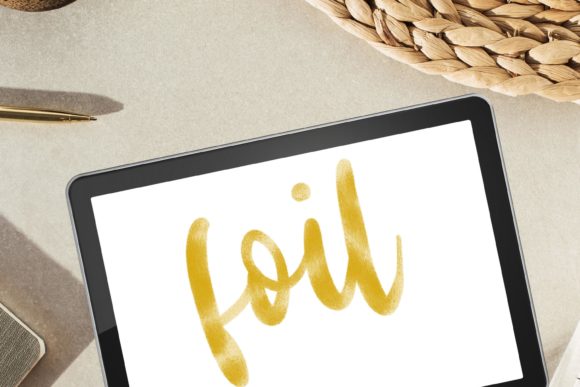
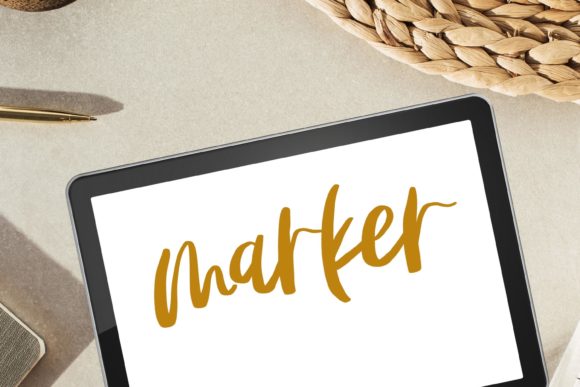
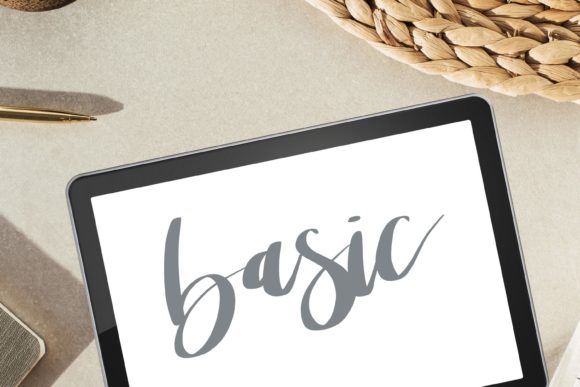
Many beginners make the mistake of using standard round brushes for lettering. While functional, these often lack the pressure sensitivity and texture needed to mimic real-world media. A dedicated Procreate Calligraphy Brush with Smooth Texture is engineered to respond dynamically to your stylus pressure. When you press hard, the stroke widens; when you lift slightly, it tapers elegantly. This responsiveness is crucial for achieving the thick-and-thin contrast that defines modern calligraphy and traditional script.
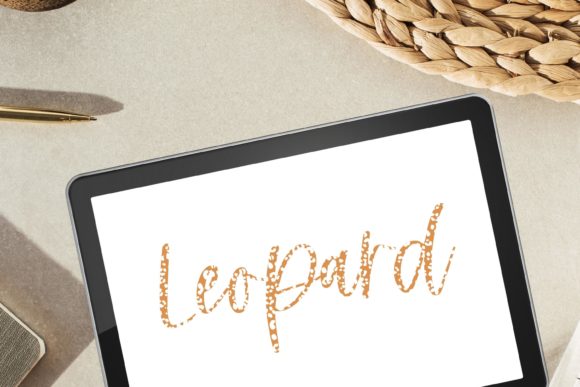
The "smooth texture" aspect is particularly important. Rough or noisy digital brushes can distract from the letterforms themselves, making the work look cluttered or amateurish. A smooth texture ensures that your letters appear clean and professional, providing a solid foundation that can be easily edited or layered with other effects later. It allows the focus to remain on the shape and flow of your typography rather than fighting against the medium.
Key Characteristics and Strengths
Understanding what makes this brush set effective helps you utilize it to its full potential. Here are the core qualities that define this digital tool:
- Pressure Sensitivity: The brush is calibrated to recognize subtle changes in Apple Pencil pressure, allowing for natural variation in line weight without complex settings adjustments.
- Streamlined Workflow: Designed for efficiency, these brushes reduce the need for post-processing. What you draw is largely what you get, saving time during tight deadlines.
- Versatility: While optimized for lettering, the painting brush variants included in the set are equally capable for background washes, simple illustrations, and textured accents.
- Instant Accessibility: As a digital download, there is no waiting for shipping. You can import the files directly into Procreate on your iPad and start creating within minutes.
Practical Applications for Creators and Professionals
The utility of a reliable lettering brush extends far beyond casual doodling. For professionals and business owners, these tools can enhance branding, communication, and product offerings.
Branding and Marketing
In an era where authenticity drives engagement, handwritten elements add a human touch to digital marketing. Entrepreneurs can use modern lettering techniques to create unique quote graphics for Instagram or Pinterest. These personalized assets often perform better than stock photography because they feel exclusive and tailored to the brand’s voice. A textured brush can add depth to logo designs, making them stand out in a crowded marketplace.
Educational Content
Educators and bloggers can leverage these brushes to create engaging visual aids. Handwritten annotations on diagrams or highlighted key points in tutorial videos capture attention more effectively than standard typed fonts. The organic nature of digital illustration using these brushes makes complex information feel more approachable and less sterile.
Commercial Products
Freelancers and designers can expand their service offerings by incorporating modern calligraphy into client projects. From wedding invitation suites to packaging design, the ability to produce high-quality, scalable vector-like raster art in Procreate is a valuable skill. The smooth texture ensures that when these designs are printed, they retain their clarity and elegance.
Enhancing Usability and Efficiency
One of the most significant benefits of using a pre-configured Procreate Brush is the reduction in setup time. Instead of spending hours tweaking opacity, flow, and stabilization settings, you can open the app and begin working immediately. This efficiency is crucial for freelancers billing by the hour or content creators who need to produce volume without sacrificing quality.
Moreover, the non-destructive nature of digital lettering allows for endless experimentation. If a letterform doesn’t look quite right, you can undo, erase, or warp it without ruining the entire piece. This safety net encourages creativity and risk-taking, allowing artists to push their stylistic boundaries further than they might with permanent ink on paper.
Tips for Getting the Best Results
To maximize the potential of your Basic Procreate Brush for Hand Lettering, consider these practical recommendations:
- Calibrate Your iPad: Ensure your screen protector is compatible with the Apple Pencil. Glass-like protectors offer less friction, which may require adjusting your grip, while matte protectors provide more resistance, mimicking paper.
- Use Stabilization: While the brush is smooth, enabling streamlines or stabilization in Procreate’s settings can help achieve cleaner curves, especially for beginners.
- Layer Wisely: Keep your sketch, ink, and color layers separate. This organization makes editing easier and allows you to apply effects to specific parts of your lettering without affecting the whole composition.
- Practice Consistency: Digital tools can sometimes mask inconsistencies in spacing and size. Regularly zoom out to check the overall balance of your composition.
Important Technical Considerations
Before purchasing, it is essential to understand the technical requirements. This product consists of digital files only. There is no physical product shipped. You must have an iPad with the Procreate app installed to use these brushes. The files are designed to be downloaded and opened directly on your iPad, importing them seamlessly into your Procreate brush library.
If you encounter any issues during the installation or usage process, support is readily available. Please do not hesitate to contact me if you have problems using this product. I’ll do my best to help 🙂. This commitment to customer support ensures that even those new to digital art can navigate the learning curve with confidence.
Final Thoughts on Digital Lettering
The transition from traditional to digital media does not require abandoning the warmth of hand-drawn art. With the right tools, such as this Classic Procreate compatible brush set, you can retain the soul of handwritten text while enjoying the convenience of digital editing. Whether you are a seasoned illustrator looking to refine your workflow or a beginner eager to explore textured lettering, these brushes provide a reliable, high-quality foundation for your creative journey.
By integrating these tools into your daily practice, you enhance not just the aesthetic quality of your work, but also your productivity and versatility. In a digital-first world, the ability to create authentic, hand-crafted visuals quickly and efficiently is a powerful asset. Embrace the smooth texture, experiment with pressure, and let your unique style flourish on the iPad screen.